
Dashboard & signals
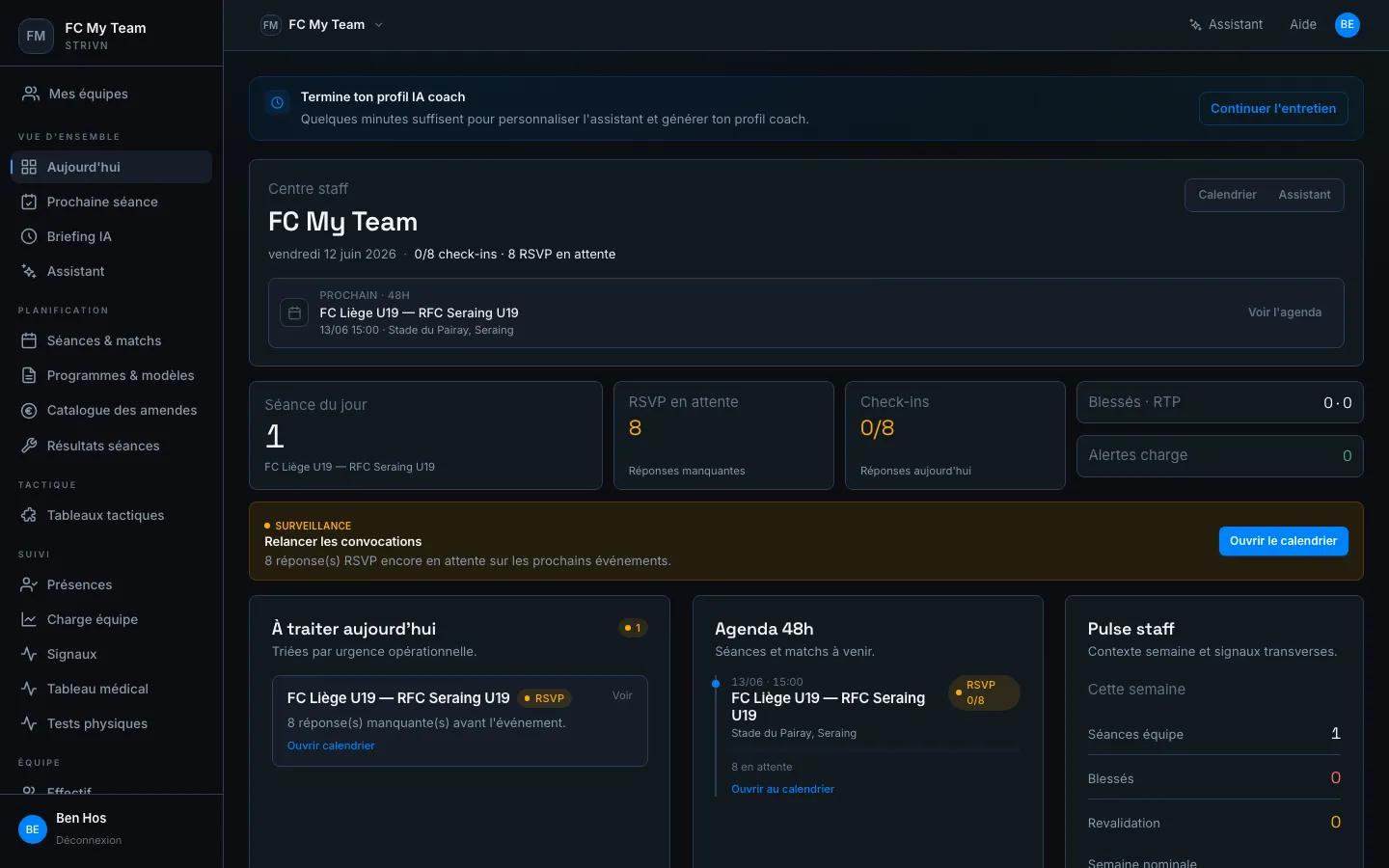
The dashboard groups the daily management views: they concentrate what demands your attention without having to navigate page by page.
Navigation — overview
Section titled “Navigation — overview”| Menu entry | Description |
|---|---|
| Today | Day view: next session, recent signals |
| Next session | Detail of the next event with the call-up list |
| AI briefing | Intelligent summary generated by the assistant (load, signals, priorities) |
| Assistant | Chat with the AI coach to prepare a session or analyse a player |
Navigation — planning
Section titled “Navigation — planning”| Menu entry | Description |
|---|---|
| Sessions & matches | Calendar week view |
| Programs & templates | Exercise library and session templates |
| Fine catalog | Team fines management |
| Session results | Session reviews |
| Tactical boards | Tactical preparation tools |
Navigation — squad tracking
Section titled “Navigation — squad tracking”| Menu entry | Description |
|---|---|
| Attendance | Player × day check-in grid |
| Team load | Cumulative sRPE load per player over the period |
| Signals | Signals & alerts to handle today |
| Medical board | Injuries and rehab |
| Physical tests | Physical assessment results |
| Roster | Each player’s profile |
Reading risk signals
Section titled “Reading risk signals”Signals aggregate well-being check-ins and session reviews.
| Colour | Meaning |
|---|---|
| 🔴 Red | Risk (cumulative fatigue, poor sleep, reported pain) |
| 🟢 Green | Good state |
| 🔵 Blue | Interactive accent — not a status signal |
From signal to decision
Section titled “From signal to decision”- Open Signals and identify players in red.
- Review their history over several days.
- Adjust the session from the calendar: reduced load, rest, adapted exercise.
On mobile
Section titled “On mobile”All monitoring views are designed to be consulted from a phone — on the touchline, during warm-up or in the dressing room before the session.