

Getting started (coach)
This guide takes you from zero to a fully operational team on STRIVN, ready for its first check-ins and call-ups.
The STRIVN loop in one sentence
Section titled “The STRIVN loop in one sentence”Players do their morning check-in → signals surface in your dashboard → you adjust the session → afterwards you fill in the session review → better risk reading the next day.
1. Log in
Section titled “1. Log in”Sign in to STRIVN with your phone number and password.
2. Create your team
Section titled “2. Create your team”- Click My teams → New team.
- Enter the name, sport, category and time zone (determines the time displayed for events and check-ins).
- Choose the team language — it determines the language of messages sent to players (French, English, Dutch, German, Portuguese or Spanish).
3. Add your roster
Section titled “3. Add your roster”- Open Roster in the sidebar menu.
- Add each player: first name, last name, position and phone number.
- The phone number is the main channel for check-in and call-up links.
4. Invite players to the app
Section titled “4. Invite players to the app”Players do not need to create an account or password. See Install the player app.
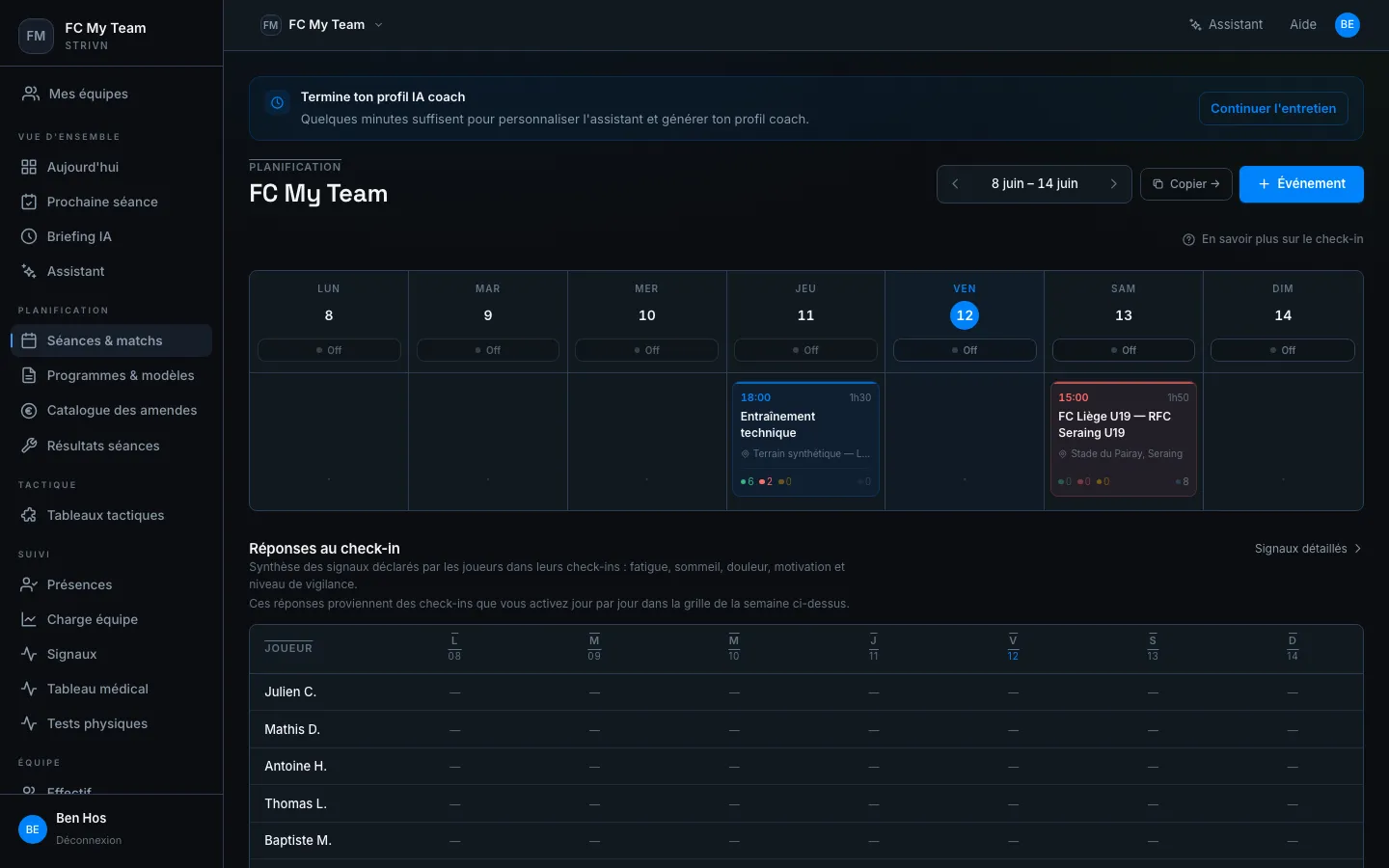
5. Plan the first week
Section titled “5. Plan the first week”Create your training sessions and matches in the calendar:
- Click + Event.
- Fill in the type (Training / Match), date, time, location and duration.
- Enable the call-up (RSVP) if you want players to confirm their attendance.
What’s next?
Section titled “What’s next?”The daily loop comes down to three actions:
- In the morning: check the Signals before the session.
- Before / during: adjust if needed.
- After the session: fill in the session review from Session results.
Detailed guides: